
I am terrible at taking notes. For decades I've wanted to get organized (OneNote, the lot) and instead I've written notes to myself as draft emails in Outlook, or left them in open Notepad++ tabs. When I switched from a Windows laptop to a Mac, I decided to fix it properly. Apple Notes, Notion, Capacities, Obsidian? I picked Obsidian: simple, Markdown-based, local files. Then I learned I'd need a subscription to sync my own notes across more than one device.
That was the moment the idea landed: why not build my own? The name, , is a play on Obsidian Notes. I wanted something simple. It spun out of control.
This piece does two things, because the project does. First, how a person who can't write web code built a working web app by directing agents. Second, what the result does: both as a notes app you'd use on its own, and as a piece of infrastructure that an AI coding agent can read and write while you build other things.
The build: four requirements and a lot of asking
My one self-imposed rule was strict: I would not edit code, config, or documentation directly, even when I could. I wanted to learn how far natural language alone could take me. So I made a deliberately small contribution to the technical design, just four lines:
- Host it on
- Use for storage
- Everything runs in the browser; no servers
- Use WebAwesome for the components
The agent picked everything else. I don't know and I barely know CSS. I haven't written meaningful JavaScript since it was used for form validation. The runtime it chose (React 19, , , Zustand for state, TipTap for the editor, the GitHub for storage, the File System Access for local folders, and the Origin Private File System for browser-only storage) I could not have specified myself.
Let the agent pick the stack
I gave four requirements about hosting, storage, and runtime shape. The agent made every technology choice underneath. What you have to understand is what you're building and why. The stack itself is the agent's problem.
The workflow from idea to first working version was the same every time:
I sketch the idea on a notepad: features, personas, rough data objects. I bring that into and we co-edit a product description on Canvas until it's a real spec. ChatGPT then produces a starter package as a ZIP: project description, a starter for the coding agent, and scaffolding. I clone a blank repo, drop in the starter package, commit, and let the agent initialize. After that it's a loop: plan to slice the work, build mode to implement each slice, repeat.
The process for this project was more vibes than engineering. There was no formal product spec, no user stories, no research, no human testing plan. A serious project would do far more up front and bring in real users early. Given how loose the process was, the result turned out better than I expected: the agents are surprisingly good at making reasonable design decisions on their own. But I want to be clear that the app has not been thoroughly tested by humans. There are bugs. Some features don't behave the way a designer would want. The point is that the functionality exists and runs, and polishing it is a much smaller job than building it was.
My actual toolchain settled into in a terminal as the daily driver, with -5.2 and 5.3- doing most of the programming and Opus 4.5/4.6 doing the initial coding and all the presentation work. Different models have different temperaments. Claude is fast and creative with a real design sense but will invent features you didn't ask for; Codex is slower but reliable and good for cleanup and review. I mix them deliberately.
What 21 days looked like
| Lines of code | Commits | App types | MCP tools | CLI groups | Mascot poses |
|---|---|---|---|---|---|
| 87k+ | 626 | 11 | 80 | 17 | 45 |
| ~0 written by hand | over 21 days | interactive note types | for AI agents | 97 subcommands | AI-generated |
Figures from the project's own build stats as of the February 2026 talk [R1]. The app is deployed at obesian.com but is unaudited and not yet user-tested; treat these as build-output counts, not quality metrics.
Even the demo content was agent-made. The 44 demo notes in the screenshots (realistic, cross-referenced, with sensible folder structure) were generated by the agent through the app's own CLI. I described a persona and a structure; it wrote every note and added its wikilinks, choosing the note types itself. I didn't write one.
Built in the margins
Most of this was built while watching TV. Kick off a prompt, glance at the output between scenes, review and iterate at the end of an episode. More focus produces faster iterations and better quality, but the floor for productive time is astonishingly low.
What Obesian Oats does on its own
Strip away the AI and there's still a real notes app here. The decision that shapes everything else is that notes are always plain Markdown. You can read them in any editor. They're human-readable and version-controlled. There's no proprietary format and no hosted database to be locked into.
A note's storage backend is your choice: a GitHub repository (full Git history, conflict detection, atomic commits), a local folder via the File System Access API, or fully sandboxed browser storage. The same workspace runs as a web app, a native macOS/Windows desktop app built with Tauri, and a stripped-down mobile shell that triggers on phone-sized screens.
The feature that makes it more than a text editor is the mini-apps. Set a type in a note's frontmatter and Live mode renders a purpose-built interface on top of the Markdown: todo lists with clickable checkboxes, a calendar-first daily diary, meeting notes with action items, contact cards, project plans with a Gantt view, link collections, boards, knowledge graphs, and mind maps. Eleven types today. Switch to Source mode and you see the raw Markdown underneath. The interactive view is a lens over the file, and the file is always still there.
On top of that sit the things you'd expect from a mature notes tool and a few you wouldn't: wikilinks with backlink scanning, full-text search, per-note encryption, split views with draggable tabs, a command palette, task extraction from checkboxes with @due dates and [assignee:Name] markers, and a cross-note task sync that surfaces tasks from every note in the daily diary. There are no user accounts and no sign-up. When several people share one GitHub-backed store, soft collaboration features (@mentions, advisory locks, three-way auto-merge for non-conflicting edits) add awareness without turning it into a platform. The philosophy throughout is conventions over enforcement: the Markdown stays plain, and the app adds a smart overlay on top.
The spatial features are the weak ones
The board, the knowledge graph, the mind-map, and the Mermaid diagram wizard are the roughest parts of the app, and that's not a coincidence. Mouse-heavy, spatial interfaces are hard for agents to design well and nearly impossible to test automatically. Agents have no eyes. Anything that depends on how a human organizes information in space still needs a human looking at it.
What it does in conjunction with AI
There are two AI stories here. The second one caught me out.
The first is the in-app assistant, Obie, a beaver mascot that lives in a side panel. He loads your notes through retrieval and answers questions with citations back to the source notes. He can also take actions: search and read notes, open tabs, switch views, run typed operations against the mini-apps. Around 40 tool-calling capabilities across note operations, navigation, and interaction, with an approval system that asks before the first action and lets safe, reversible ones run automatically after that. Destructive actions always require explicit approval. It's bring-your-own-key: eight-plus providers (, , , Google, and others, plus OpenRouter as a gateway to hundreds more), with per-task so a cheap fast model can do ghost-text autocomplete while a stronger one handles chat. Don't want any of it? Don't configure a key, and every AI feature is optional.
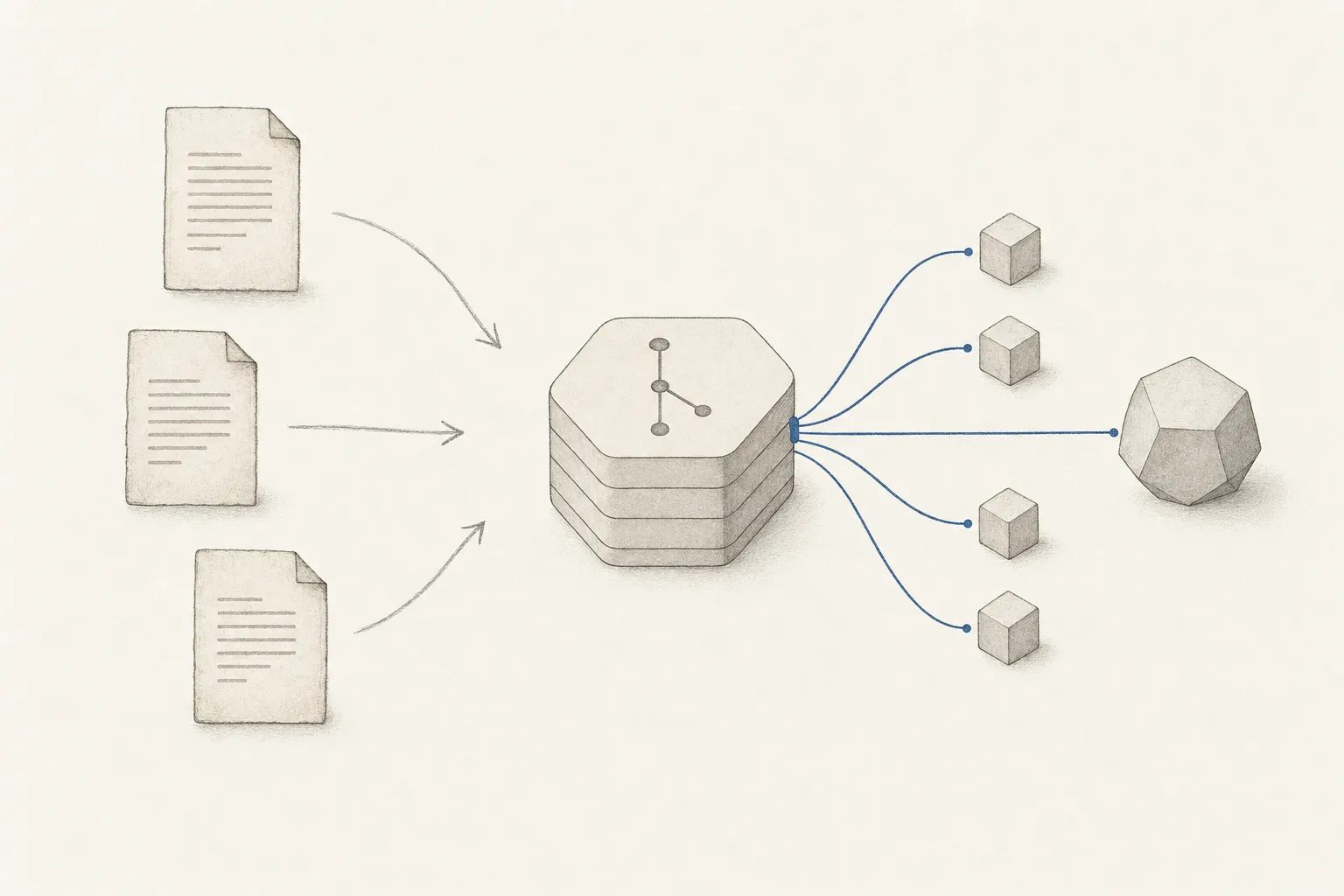
The second story matters more. Obesian Oats ships a command-line tool, oats, and an server, oats-mcp. The CLI exposes the same note operations as the UI across 17 command groups and 97 subcommands. The MCP server exposes around 80 of those operations as tools that any MCP-capable can call, with safety annotations marking which are read-only and which are destructive. Same store, same data, same Markdown parsing as the web app.
That turns your notes into a read/write surface that humans and agents share.
Once notes are programmable, a set of workflows opens up that has nothing to do with note-taking in the usual sense:
- Automated changelogs and living docs. A post-deploy script appends the version and changes to a changelog note. Agents update documentation notes after each change. The docs are always current and fully versioned, because they live in Git.
- An agent task runner. A shell loop watches a todo note for new tasks, fires off Codex or to handle each one, and ticks it off when done. Humans add tasks to the same list; agents pick them up. Both see one list.
- Agent-to-agent coordination. When you run a fleet of agents, they can read and write shared notes to coordinate: report status into a note, and you can watch the whole thing as plain text.
- Multi-user stress testing. Orchestrate sub-agents through the MCP server to simulate concurrent users hammering the same store, then watch the effects through a browser-automation MCP.
The notes store became the coordination layer
I set out to build a place to keep my notes. What I ended up building was a shared scratchpad that a human and a fleet of agents can both edit, with Git as the audit log. During later development that store became where I queued tasks for agents, where they reported back, and where the living documentation accumulated. The note-taking app is almost a side effect of having a clean, programmable, version-controlled text store.
There's a retrieval angle too. Because notes carry wikilinks and can be embedded and indexed, an agent can search the store by relevance and relation through the CLI or MCP rather than having every relevant note pasted into its prompt. For a coding agent with a finite , a queryable knowledge store it can reach into on demand is more useful than a wall of front-loaded context.
For the machinery the CLI/MCP/agent-fleet pieces all sit inside, see:
Two answers
Obesian Oats is two answers to two questions I didn't fully realize I was asking.
The first answer: yes, a person who can't write web code can build and deploy a real, multi-platform application by directing agents, as long as they can describe what they want, slice it into pieces, and tell when the output is wrong. The result is unpolished and untested, and I'd want real users before calling it finished. But the hard part, the building, happened in weeks.
Plain Markdown notes in Git, reachable from a CLI and an MCP server, are a good substrate for working alongside AI agents.
The second answer is the one I'll keep using regardless of whether the app ever gets users. The notes are portable and readable with no app at all. The same notes are a programmable surface that agents can coordinate through. You don't have to choose between "my data stays mine" and "my tools can act on it." That combination is the part of this project I'd recommend to anyone, even if they never write a line of the app themselves.
The role-of-the-developer thesis, lived from the side of someone who couldn't previously write web code:
References
- 1Obesian Oats, the author's own project; build statistics (lines of code, commits, app types, MCP tools, CLI subcommands) are self-reported from the project's build stats as of the February 2026 talk. The deployed app is unaudited and not yet user-tested. obesian.com ↗ Accessed 2026-06-14